
Sleep settings
Go to Power & sleep (Win10) or Power & battery (Win11)
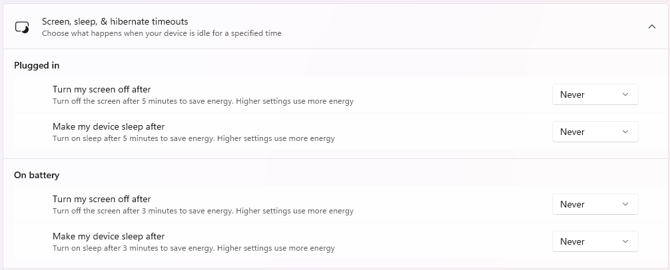
Lid, power & sleep button controls:
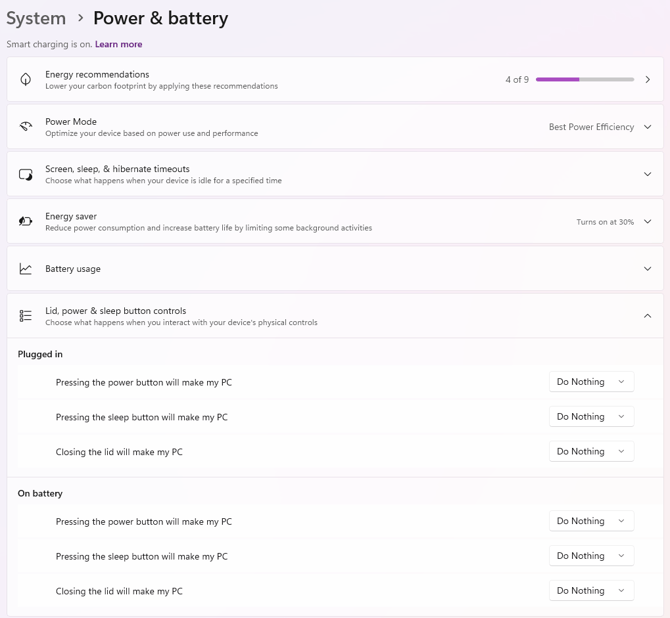
* Older Windows versions may have the lid and power settings under:
-
Go to Control Panel
-
Hardware and Sound → Power Options
Go to Power & sleep (Win10) or Power & battery (Win11)
Lid, power & sleep button controls:
* Older Windows versions may have the lid and power settings under:
Go to Control Panel
Hardware and Sound → Power Options