Skip to content
  • There are no suggestions because the search field is empty.

How to build orders for NextGen Enterprise (API interface)

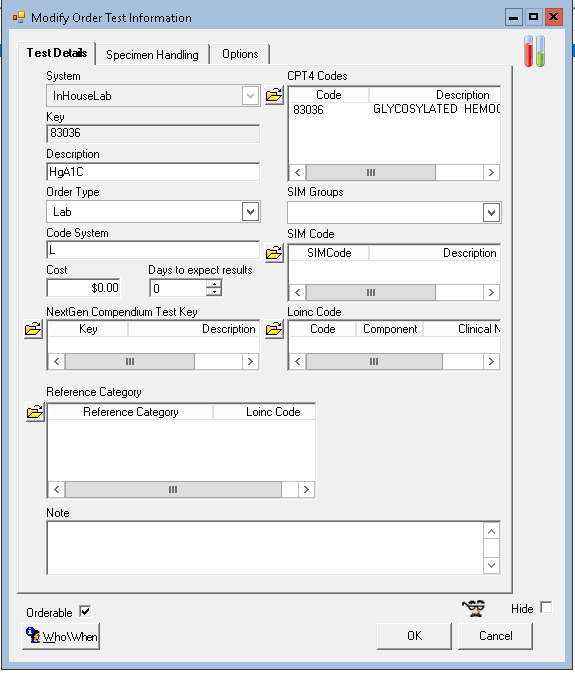
Relaymed matches device test results to pre-built order types in NextGen Enterprise. Please ask your EHR Administrator to create the corresponding orders in the EHR for all tests that are interfaced through Relaymed.

In Nextgen Enterprise, open File Maintenance:
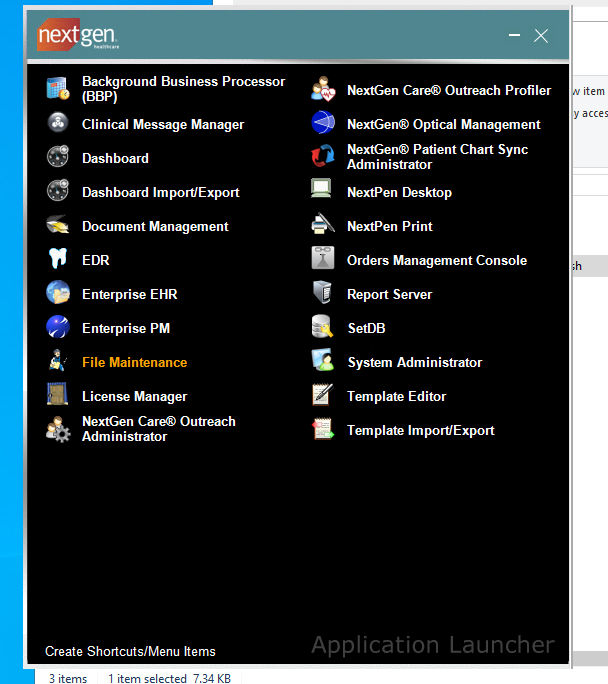

Left hand side menu:

Master Files -> system -> ehr:
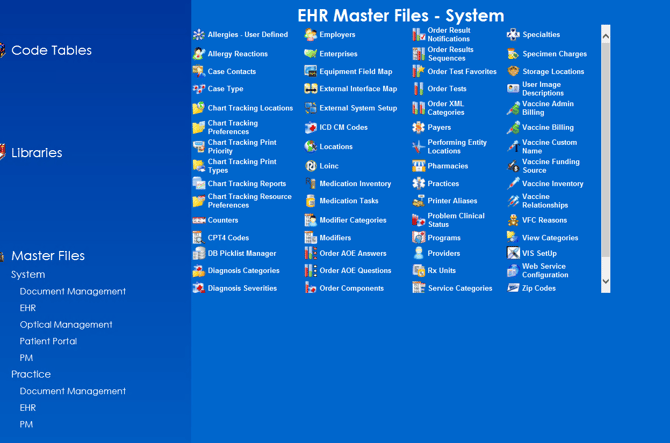

Then open Order Tests, you sometimes need to search to refresh list

Make sure your Order Test key is a numerical value.
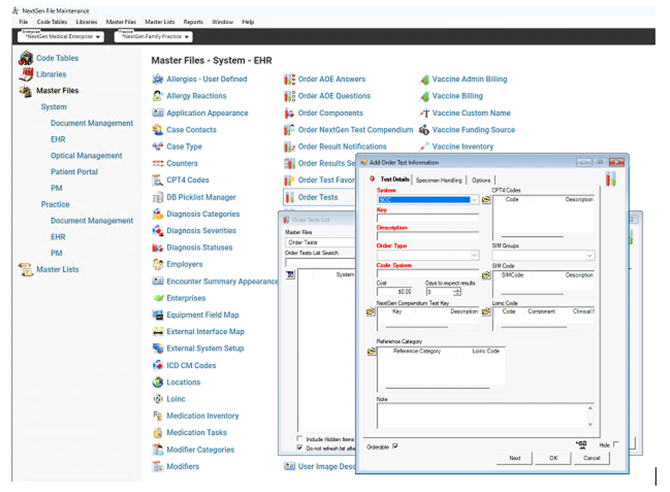

Add your Relaymed orders under InHouseLab list search: