Before you start - Add device to the Relaymed Software Agent
Open the Server / PC where you have installed the software agent on and follow these steps:
Add a device to the Relaymed Software Agent
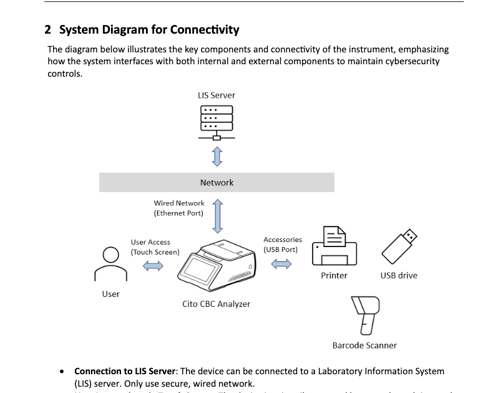
Back of the device - Make sure it's plugged in
An ethernet cable must be plugged directly into the port on the back of the machine
Device configuration steps
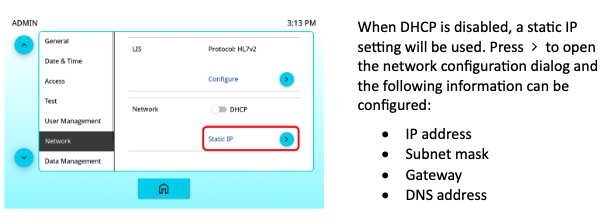
Network Configuration
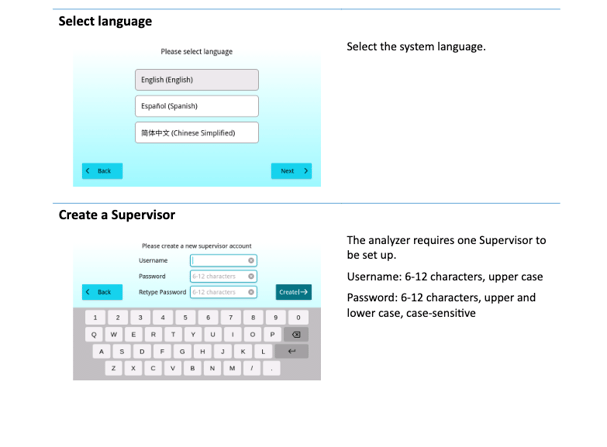
Note: Before configuring your Cytochip you will need to use your Cytochip Supervisor account you created to make any changes.
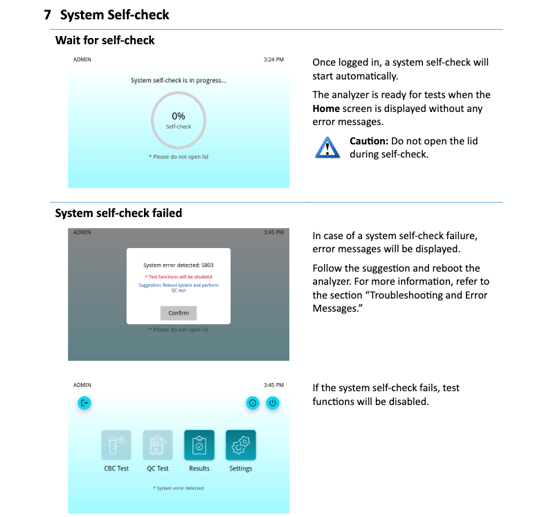
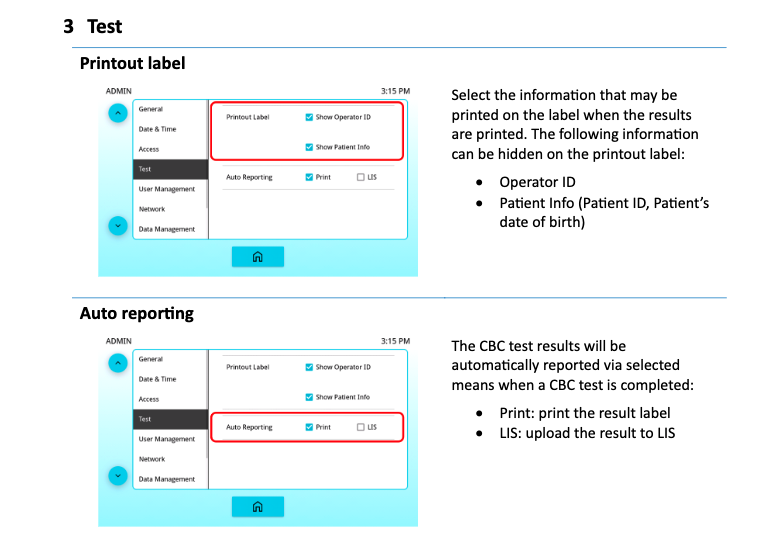
Select both boxes in 'printout label' and select LIS for 'auto reporting'
Next: Go to Network tab
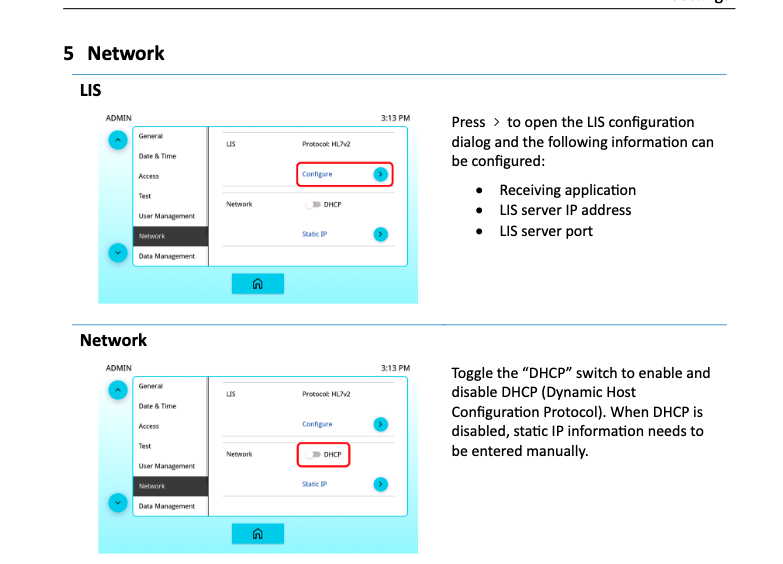
Select DHCP to auto assign the IP/Port information
Turning DHCP off you will need to manually insert IP and Port information